Windows · PowerShell 5.1 · Helpdesk

FirstResponse

A user says "the internet is broken". Instead of collecting ipconfig output and screenshots by hand, run one read-only PowerShell toolkit and get an HTML report, JSON results and a summary you can paste into the ticket.

Buy on Gumroad · €16.99One-time purchase, instant download
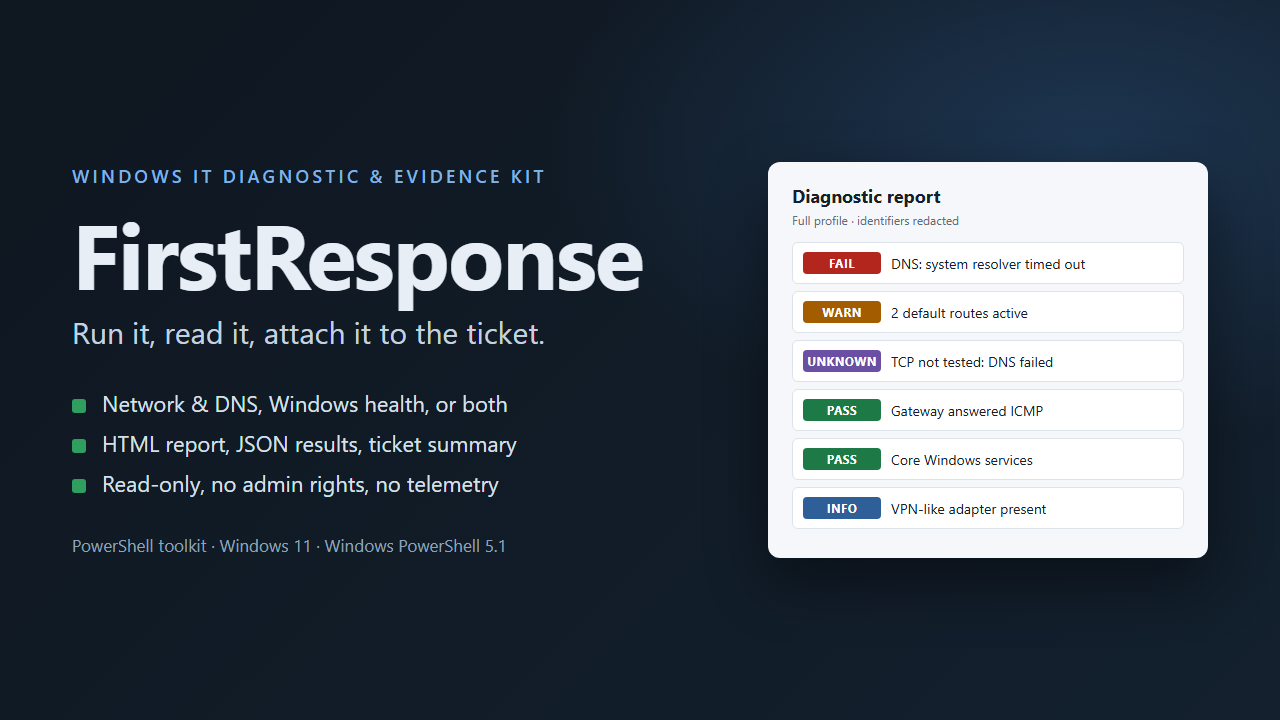
FirstResponse cover with a diagnostic report showing FAIL, WARN, UNKNOWN, PASS and INFO results

What it checks

  1. Network & DNS

    Adapters, gateways, routes and VPN-like adapters, proxy settings, gateway reachability, DNS through the system resolver and each configured server, and TCP tests that separate DNS failure, refused, unreachable, timed out and blocked.

  2. Windows Health

    Version, build, uptime and pending restart flags, processor load, memory and disk space, physical disk health, 11 core services, system event log instability indicators and WHEA hardware errors.

  3. Full Diagnostic

    Runs both profiles and writes one consolidated report.

Safe to run on a user's machine

  • Read-only: it changes no settings, restarts nothing and repairs nothing.
  • Runs in an ordinary PowerShell session. Checks that need admin rights are marked SKIPPED, never elevated.
  • No installation, no telemetry, no uploads, no external services.
  • Network probes are few, bounded by a timeout and documented; -NoProbes turns them off.
  • Computer, user and domain names, IP and MAC addresses and internal host names are replaced by consistent tokens before anything is written.

A real report

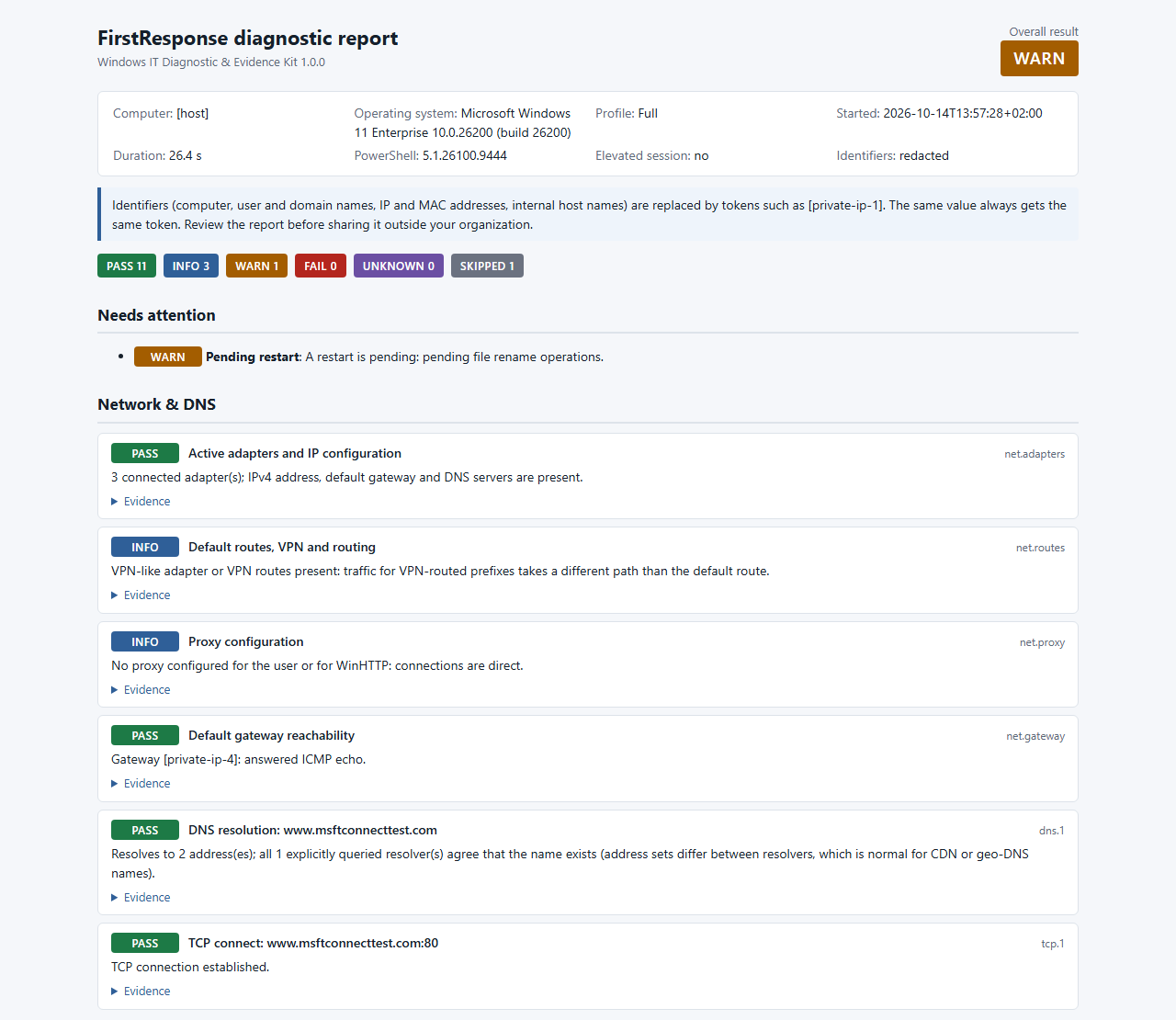
The top of a report from a real run on Windows 11, standard user session, identifiers redacted.

FirstResponse HTML report: overall result WARN, counts per status, a pending restart warning and network and DNS checks with their results
Overall result, counts per status and the first network checks.

Questions

What do I get?
A ZIP with the PowerShell source code, a double-click launcher, a README with exact usage, example outputs built from synthetic data, automated tests you can run yourself, and the license, privacy and limitations document.
What does a check result look like?
Every check ends as PASS, INFO, WARN, FAIL, UNKNOWN or SKIPPED. Anything that could not be verified is reported as such, never as healthy.
Where has it been tested?
On Windows 11 with Windows PowerShell 5.1 in a standard user session. Windows 10, PowerShell 7 and Windows Server have not been tested. The disk reliability check runs only as administrator and has been validated with test data, not in a live elevated session.
Does it find the root cause or fix the problem?
No. It collects observations and explains what they usually mean. The technician decides what to do.
Can I share the report?
Redaction is on by default, but it cannot recognize every identifier. Read a report before sharing it outside your organization.
What can I do with it?
Use it on any number of machines you own or support, including your clients' machines. Resale or redistribution is not allowed.
How is payment handled?
Checkout, payment and delivery are handled by Gumroad. You receive the download right after purchase.
Run it, read it, attach it to the ticket.